A voice agent can gather a useful enquiry, but that does not automatically create a sales process. Problems begin when a caller thinks someone will contact them and nobody owns the next action. This guide describes the handoff between an automated conversation and the people or systems responsible for finishing the work.
Decide what a call result actually means
Use a small set of outcomes that a colleague can understand: requested a callback, asked for product information, booked an appointment that was verified, needs specialist help, declined further contact or could not be resolved. Avoid labels such as "interested" without an observable reason. They are difficult to audit and invite optimistic reporting.
For each outcome, specify whether it creates a task, what task fields are required and the expected next response. An unanswered call should not automatically become a qualified lead. A verified callback request should carry enough context for the next person to help without forcing the customer to start over.
Keep a small structured handoff record
For a routine business enquiry, a useful record contains the approved contact identifier, reason for contact, stated service interest, preferred contact window, current status and whether a human follow-up was requested. Include the words the customer used when a nuance matters. Do not turn a short enquiry into an excuse to retain unnecessary sensitive data.
Define which fields are allowed to be created by the assistant and which must be confirmed by a person. A suggested appointment time is not a confirmed booking until the scheduling system confirms it. An agent-generated summary is a working note, not a source of truth when there is a dispute.
Route the next step to a real owner
Create an ownership table, even for a two-person business. Sales enquiries might go to an account manager, urgent service problems to support, and unsubscribe requests to a controlled suppression process. Define backup ownership during leave or after hours. A general mailbox with no responsibility often becomes a dead end.
The customer should hear a realistic expectation: "A team member will review your request during business hours," rather than an invented response time. If a team member cannot act within the promised window, provide a visible exception route and review it in the weekly operations meeting.
Make the CRM and task update idempotent
When a system retries an integration request, it must not create multiple leads or trigger repeated callbacks. Use a stable conversation or event identifier to correlate updates, and log both success and failure in the application layer. If your current process uses a spreadsheet, make the same ownership rules explicit before introducing automation.
Also decide what happens when the CRM or calendar is unavailable. The safe fallback is to capture an approved request and flag it for human review, not to pretend the update succeeded. Provide staff with the original customer context and the failure reason.
Review the right numbers every week
Start with time to first human action after a callback request, unresolved handoffs, duplicate records, missed appointments and opt-out processing. Track the proportion of follow-ups with a clear owner. These measures reveal operational gaps that a high number of completed AI conversations can conceal.
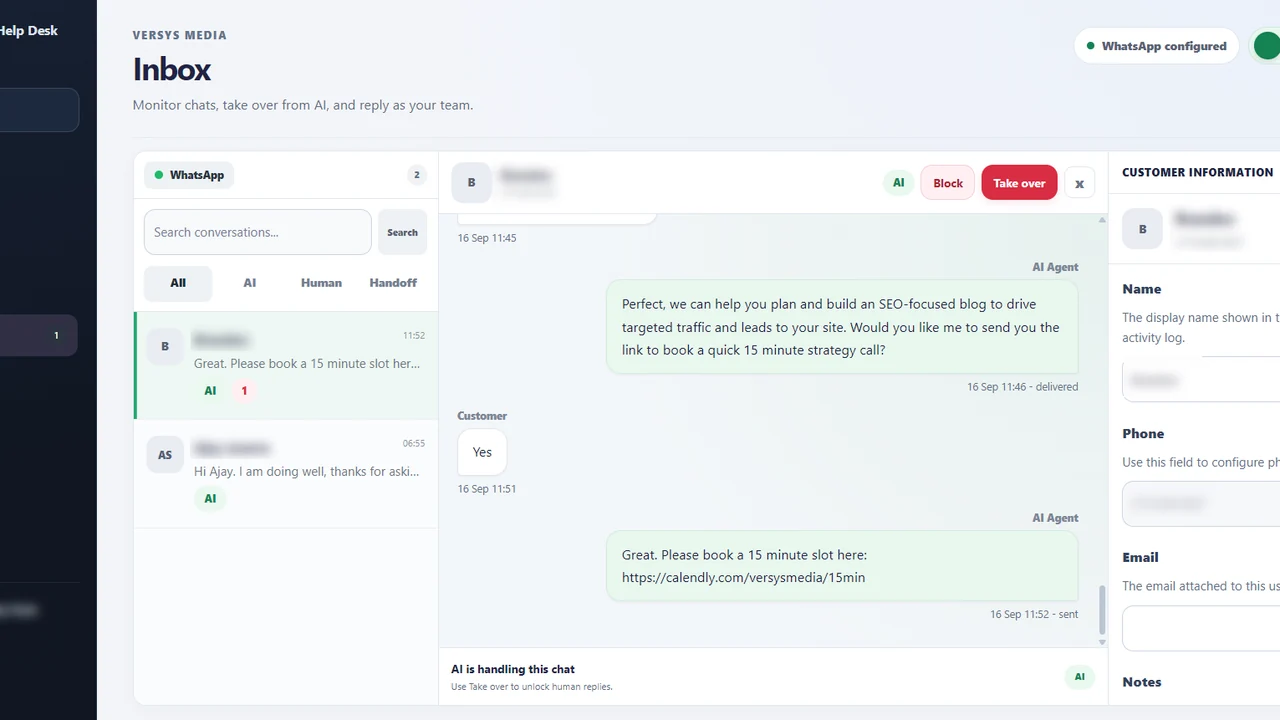
If your objective is a customer-support workflow instead of lead qualification, compare the approach with our WhatsApp inbox and handoff guide. For implementation help across systems, Versys Media can scope the integration and exception handling.
Worked example: a lead asks for a callback twice
A prospect calls once in the morning and again in the afternoon because no one has responded. If every conversation creates a new opportunity, the sales team sees two leads and may contact the person twice. A more reliable workflow matches the second event to the existing request, records the urgency and keeps one named owner. Duplicate prevention is a practical integration requirement, not a reporting luxury.
An example task might include the request identifier, business category, approved phone number, preferred time and reason for follow-up. The customer-facing message should say only that a request has been submitted. The staff view can include a compact call summary and any relevant warning that the prospect attempted contact more than once.
When the owner calls back, they mark the actual outcome: reached the customer, voicemail, rescheduled or resolved. A workflow should not auto-close the request simply because a dial attempt happened. Review repeat callers each week because a high repeat rate often signals a weak handoff, not a lack of interest.
Takeaway checklist
- Choose five or fewer call outcome codes.
- Assign one accountable owner for every actionable outcome.
- Verify appointment creation before confirming it.
- Handle retries without duplicate records.
- Review missed handoffs at least weekly.
What to do next
Choose one improvement you can complete in the next working week. Write down who owns it, what evidence will show it is working, and how you will check again after rollout. A small, well-tested change is more useful than adding features nobody monitors.
For hands-on help with a business-specific workflow, explore Versys Media or the Versys Apps directory. Bring the process you want to improve, not just a request to add AI everywhere.